Event propagation and delegation
An event goes down to the element and back up: stopping that trip and cancelling the browser's action are two different calls.
Predict first
Before you read: predict
ExamHall's question navigator is one <nav> holding a button per question. The <nav> has one click listener: it takes event.target.closest('button') and opens that button's data-question-id. A new feature puts a flag icon, <span class="flag">, inside each button, with its own click listener that toggles the flag and calls event.preventDefault(); its author added that call "so that flagging does not open the question". A candidate on question 3 clicks the flag icon on question 7's button.
What happens?
The 30-second version
A click travels from the window down to the clicked element, then back up. Capture listeners run on the way down, the others on the way up. So one listener on a container hears every child, and closest finds which. stopPropagation ends the trip; preventDefault only cancels the browser's own action, and passive listeners cannot cancel.
An event goes down to the element and back up: stopping that trip and cancelling the browser's action are two different calls.
How it works
Step 1 of 10
In the kitchen
- the route through the outer gate, the inner gate and the tower is set before he rides → the path, fixed before any listener runs (step 1)
Analogy: A messenger riding through a castle's gates (fortifications)
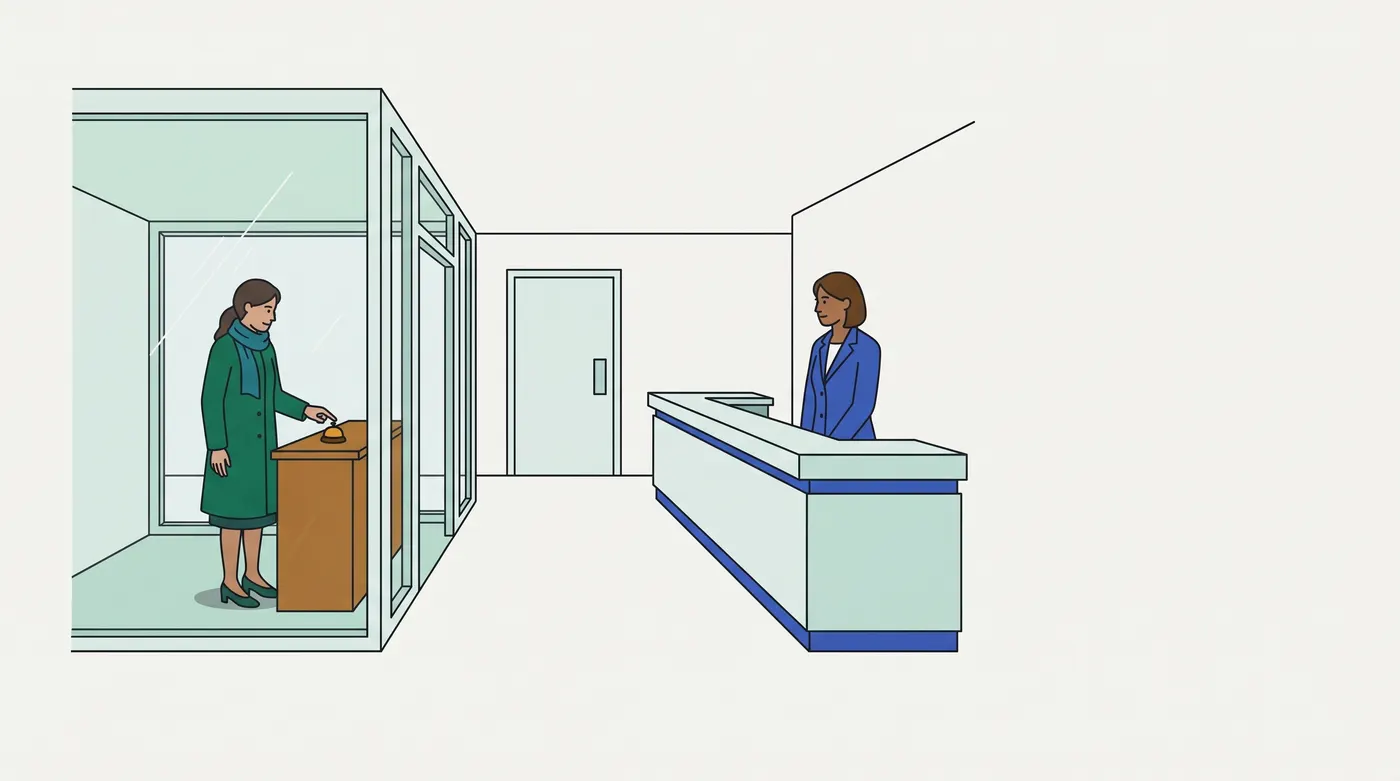
A messenger rides in through a walled castle's gates to one tower; the reply rides back out the same way.
| At the castle | In the page |
|---|---|
| the route through the outer gate, the inner gate and the tower is set before he rides | the path, fixed before any listener runs (step 1) |
| a warden who asked to see every message reads it as it passes inward | a capture listener (step 2) |
| the reply rides back out past each gate, and each warden may act on it | the bubble phase (step 4) |
| the outer gatehouse clerk logs messages for every tower by the tower name on the seal, towers built after he was hired included | delegation with closest (steps 6–7) |
| "go no further than this gate": the reply stops there, though the other clerks at that gate still read it | stopPropagation() (step 8) |
| "cancel the feast that would follow": the castle's usual response is called off, yet the reply still rides out | preventDefault() (step 9) |
| a warden who swore never to close the gate on a messenger: his order to close it is ignored | a passive listener (step 10) |
In real terms: every listener on the path gets its turn in a fixed order, unless one of them ends the trip; cancelling the browser's action is a separate switch.
Breaks down when: a rider takes hours and can be overtaken. A dispatch runs every listener in one synchronous call, and nothing else runs until it returns.
Contrasting case: Node's EventEmitter. emit calls the listeners of one object only; there is no tree, so nothing captures or bubbles, and there is no parent to delegate to.
Examples, run for real
4.1 ExamHall EXH-3310: listeners lost on re-render
ExamHall's navigator first added one click listener to each of its 200 question buttons. In review mode it re-renders the buttons, and after that no button opened its question (EXH-3310). MR !3610 replaced them with one listener on the <nav>:
nav.addEventListener('click', (e) => {
  const button = e.target.closest('button[data-question-id]');
  if (!button || !nav.contains(button)) return;
  openQuestion(button.dataset.questionId);
});
EXH-3310 a listener per button: 200 added · Q7's label clicked: opens 7 · after the review-mode re-render, Q12 clicked: opens nothing (still 7)
MR !3610 one listener on <nav>: 1 added · Q7's label clicked: opens 7 · after the review-mode re-render, Q12 clicked: opens 12 · the nav's own padding clicked: opens nothing (still 12)The new buttons had no listeners of their own, so nothing heard their clicks. The <nav> listener hears clicks from buttons rendered at any time (step 6), and closest maps a click on a button's label to the button (step 7).
4.2 Chat: one click, the whole trip
A chat pane holds a message list; a message's Reply button holds an icon. The pane and the list each have a capture listener and a bubble listener, and the button has one listener. The user clicks the icon:
phase 1 · pane, capture   · target span.icon · currentTarget section#pane
phase 1 · list, capture   · target span.icon · currentTarget ul#list
phase 3 · button          · target span.icon · currentTarget button.reply
phase 3 · list, bubble    · target span.icon · currentTarget ul#list
phase 3 · pane, bubble    · target span.icon · currentTarget section#pane
Phase 1 is capture, outermost first (step 2); phase 3 is bubble, innermost first (step 4). target stays the icon while currentTarget changes (step 5). The button is not the target, so its listener runs in the bubble phase.
Picture it
Try it
Answer first, then check. Nothing is saved.
Question 1 of 8
A chat app's message list, <ul id="messages">, needs one way to record reactions. Each message is an <li data-message-id> holding its text and a reaction button, <button class="react" data-emoji="+1"><span class="emoji">+1</span></button>, and new messages are appended to the list as they arrive.
Which code records a reaction for every click on a reaction button, whether it lands on the emoji or on the button's edge, for messages that arrive later too, and records nothing for a click on a message's text?
Question 2 of 8
A video player's markup is <div id="player"><button id="play">Play</button></div>. Its listeners are added in this order:
The viewer clicks the Play button.
In what order does the log read?
player.addEventListener('click', () => log('player capture'), { capture: true });player.addEventListener('click', () => log('player bubble'));play.addEventListener('click', () => log('play bubble'));play.addEventListener('click', () => log('play capture'), { capture: true });Question 3 of 8
A box office's seat map is a <fieldset id="seats"> of checkboxes, one per seat. The fieldset has one click listener: for a box with class sold, it shows the panel "Sold out: join the waitlist"; for any other box, it holds the seat. Today a fan can still tick a sold-out seat's box. Each sold-out box gets its own listener, box.addEventListener('click', (e) => { /* the line */ }).
Which line keeps the box unticked and still lets the waitlist panel show?
Question 4 of 8
A payments ledger lets staff reorder statement rows by dragging a handle. While a row is dragged, the handle's wheel listener should keep the page from scrolling, so it calls e.preventDefault(); it was added with { passive: true }. The table has its own wheel listener, added without options, that logs e.defaultPrevented. A test dispatches new WheelEvent('wheel', { bubbles: true, cancelable: true }) on the handle, then logs what dispatchEvent returned.
What are the two logged values, in order?
Question 5 of 8
The interviewer says: "ExamHall's navigator gains and loses buttons as sections load. Write delegate(root, selector, type, handler): one listener on root that calls handler(event, match) when the event happened inside an element matching selector that is itself inside root, for elements added later too. Return a function that removes the listener." You have 15 minutes and a plain editor.
Say your test list first, then write it.
Question 6 of 8
A shop's product card, <article id="card">, opens the product page when clicked; its Add to cart button must not open it. Their listeners are added in this order:
The shopper clicks Add to cart.
What does the log read?
addButton.addEventListener('click', (e) => { log('add to cart'); e.stopPropagation(); });addButton.addEventListener('click', () => log('cart badge'));card.addEventListener('click', () => log('open product'));Question 7 of 8
A chat app highlights the composer field that has focus. The composer, <form id="composer">, holds the message box and a subject field, each inside a <div class="field">, and the fields are re-rendered when the user switches conversation. The code is composer.addEventListener('focus', (e) => e.target.closest('.field').classList.add('active'));. Clicking or tabbing into a field highlights nothing.
What is wrong?
Question 8 of 8
A shop's filter sidebar, <aside id="filters">, holds chips such as <button data-filter="price"> and <button data-filter="brand">. One listener applies the chip that was clicked:
This week's promotion wraps the sidebar and a banner in <section class="promo" data-filter="sale">. A shopper clicks the sidebar's empty padding, between two chips.
What runs?
filters.addEventListener('click', (e) => { const chip = e.target.closest('[data-filter]'); if (chip) applyFilter(chip.dataset.filter);});Go deeper
Pro tips
- Print the path before you guess it:
event.composedPath(). When: a listener runs when you did not expect it, or not at all (steps 1–4). Verify (RAN, jsdom 30.1.1,tips.mjs):tip 1 a click on the Reply icon: event.composedPath() = span.icon -> button.reply -> li -> ul#list -> section#pane -> body -> html -> #document -> Window - Delegate to the nearest container that outlives its children, not to
document. Adocumentlistener hears every click on the page, so it runs, and must filter, for clicks that have nothing to do with it. When: choosing where the one listener goes (step 6). Verify (RAN,tips.mjs):tip 2 3 clicks outside the navigator (search box, question text, Save): the document listener ran 3, the nav listener 0 · then 1 click on Q2: document 1, nav 1
Source
Quotes are checked verbatim by quote-check.mjs. Every graded behaviour is executed, so no item is keyed on these pages; they back the teaching. Valid as of 2026-10-09.
- MDN, Event bubbling (the curriculum row's first source), https://developer.mozilla.org/en-US/docs/Learn_web_development/Core/Scripting/Event_bubbling (
mdn-event-bubbling.txt). "We describe this by saying that the event bubbles up from the innermost element that was clicked" (step 4); capture fires "first on the least nested element, and then on successively more nested elements, until the target is reached" (step 2); "target refers to the element on which the event was initially fired, while currentTarget refers to the element to which this event handler has been attached" (step 5); stopPropagation "prevents the event from bubbling up to any other elements" (step 8). - WHATWG DOM Standard, Dispatching events (the row's second source), https://dom.spec.whatwg.org/#dispatching-events (
dom-dispatching-events.txt). The capturing pass runs "For each item of event’s path, in reverse order", then the bubbling pass "For each item of event’s path", in which "If event’s bubbles attribute is false, then continue" (steps 1–4); a listener is skipped in the capturing pass "If phase is "capturing" and listener’s capture is false" (steps 2–3); "The stopImmediatePropagation() method steps are to set this’s stop propagation flag and this’s stop immediate propagation flag" (step 8); the canceled flag is set only "if event’s cancelable attribute value is true and event’s in passive listener flag is unset" (step 10). Living standard, as of 2026-10-09. - MDN, EventTarget: addEventListener() method (the row's third source), https://developer.mozilla.org/en-US/docs/Web/API/EventTarget/addEventListener (
mdn-addeventlistener.txt). "If a passive listener calls preventDefault(), nothing will happen and a console warning may be generated" (step 10); the listener's "return value is ignored" (step 9). - MDN, Element: closest() method, https://developer.mozilla.org/en-US/docs/Web/API/Element/closest (
mdn-closest.txt): "The closest ancestor Element or itself, which matches the selectors" (step 7). - MDN, Element: focus event and focusin event, https://developer.mozilla.org/en-US/docs/Web/API/Element/focus_event (
mdn-focus-event.txt) and https://developer.mozilla.org/en-US/docs/Web/API/Element/focusin_event (mdn-focusin.txt): "The event does not bubble, but the related focusin event that follows does bubble" (step 4).
Related lessons
Checked against the tools and docs as of 2026-10-09.