Focus and keyboard management
Treat focus as a position that must remain usable when the surrounding interface changes.
Predict first
Before you read: predict
ExamHall's focused Review button has id review. A separate Help link has id help. The confirmation dialog contains keep (with autofocus) followed by send. Run dialog.showModal(), attempt help.focus(), then press Escape. No event handler changes focus.
Which sequence does document.activeElement.id report after those three operations?
The 30-second version
Focus identifies the current keyboard target. A modal uses its chosen autofocus target, makes its background inert, and returns to a usable invoker on close. Route replacement needs an explicit focus destination. Roving tabindex maintains one sequential entry while arrows move within a group. Keep focus visible; changing tabindex alone does not move it. APG, dialog
Treat focus as a position that must remain usable when the surrounding interface changes.
How it works
Step 1 of 7
tabindex="0" adds sequential entry; -1 permits explicit focus without that entry. Positive values disrupt natural order. APGAnalogy: A jewellery inspection tray and directed lamp
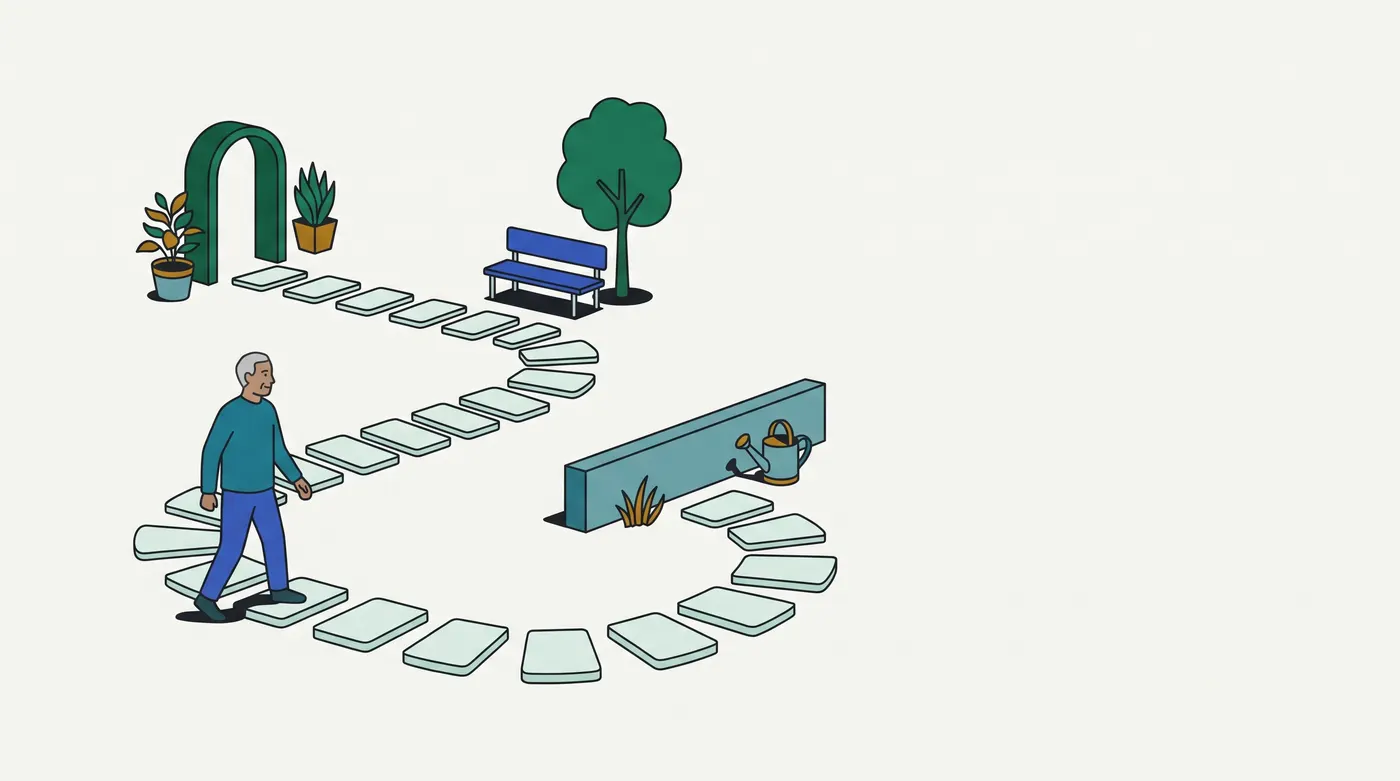
Imagine inspecting small objects on one removable tray. The tray marks the current work area; a directed lamp shows the object under inspection. Before lifting the tray, leave a marker beside the object where ordinary work should resume. When switching trays, deliberately move the lamp to the new work. A list of places the lamp may visit is separate from its current position.
| Inspection scene | Interface relationship |
|---|---|
| Current illuminated object | Current focused element |
| Marked work tray | Active interaction context |
| Remembered return marker | A usable restoration destination |
| Changing the list of inspection stops | Updating sequential focus entries |
| Moving the lamp itself | Calling focus or handling keyboard movement |
This scene is a memory aid, not a browser algorithm. A lamp cannot disable objects outside its tray: actual inertness must come from browser behavior or an implementation. A marker also survives physically when an object is removed; a disconnected DOM node cannot receive useful focus. Check the replacement destination rather than keeping a stale reference. The analogy says nothing about accessible names, speech order or a particular person's assistive technology. Inert, APG
Contrasting case: an ordinary nonmodal panel may leave surrounding controls available. Moving focus into that panel does not make it a modal. In real terms, separately track the active element, which elements accept focus, and the sequential entry points. A visible rectangle alone cannot tell you whether all three agree. Dialog
Examples, run for real
4.1 EXH-1880 and MR !2080: confirmation without losing the editing position
The local candidate page has a submit trigger, a question-list control, and a native confirmation dialog. Its initial control is Stay. The fixture opens the dialog, advances to Submit now, reverses once, and closes it. It records active-element identifiers after each operation; no elapsed duration decides the result. The return is useful because the original trigger remains connected. This example exercises entry, internal movement and return, but does not attempt programmatic background focus or press Escape. Those operations need separate evidence. Dialog
EXH-1880/MR !2080: stay > submit-now > stay > submit4.2 Streaming: preserve a usable position during a local update
The media fixture focuses Play, then changes a separate queue paragraph from Queue empty to Two tracks queued. The button remains connected and focus stays there. This local update gives no reason to interrupt a person operating the player. A larger replacement needs a deliberate destination if it removes their current control. Deciding whether a status update needs an announcement belongs to the semantics pack; this experiment makes no claim about speech. Inspect the identity of the active element as well as the updated text, because a visible content change alone does not tell you where keyboard interaction continues. APG persistence
streaming update: play > play; queue Two tracks queued4.3 Streaming captions: remember the internal entry point
A caption-size group starts on Small. The fixture changes both tabindex values and moves focus to Large. Tab leaves the group; reverse Tab re-enters at Large. Its keyboard indicator uses a solid outline. This checks the coordinated update, not the meaning of a selected size. Selection can remain unchanged while a person explores controls, and the group needs its own appropriate activation behavior. Production verification also needs disabled entries, removal of the current entry, reverse movement, and the relevant assistive technologies. APG roving
streaming captions: re-entry large; outline solidPicture it
Try it
Answer first, then check. Nothing is saved.
Question 1 of 6
DOM order is Before, <section inert> containing Draft and History buttons, then After. Starting on Before, the user presses Tab once.
Which control receives focus?
Question 2 of 6
Clips has focus. Main contains <h1 id="title" tabindex="-1">Home</h1>. The function render() replaces main's children with <h1 id="title" tabindex="-1">Saved clips</h1> and a Play button.
Which handler leaves focus on the displayed heading?
Question 3 of 6
A toolbar contains Rewind, Play, Mute, Next with tabindex values 0,-1,-1,-1. ArrowRight calls the next button's focus() without changing any tabindex. Starting on Rewind, the user presses Right twice, Tabs until Save outside the toolbar receives focus, then presses Shift+Tab.
Where does focus return?
Question 4 of 6
A section has outline:1px solid black. Its button has outline:0 none, followed by button:focus-visible { outline:3px solid rgb(60,80,20) }. The pointer is away. Tab from a preceding link focuses the button.
What are its computed outline width and style?
Question 5 of 6
A modal opens from Edit draft. Its autofocus Finish button receives focus. Main is then replaced with a Submission receipt heading (receipt, tabindex -1), disconnecting Edit draft. A Help button remains outside main. The dialog instance has open === true; no custom event handlers are registered.
Which Finish handler leaves the keyboard position at the receipt?
Question 6 of 6
DOM order is Restore, an inert workspace containing Editor and a closed dialog, then Help. The dialog contains an autofocus Retry button. Restore has focus.
Choose its handler for this interaction: Retry receives focus; Escape closes the confirmation; the next Tab reaches Editor.
Go deeper
Pro tip
Record document.activeElement after each meaningful interaction and retain the DOM when an unexpected target appears. A focus log alone does not establish screen-reader speech or visibility at every zoom level. APG
Sources
Supplemental official references: MDN focus-visible, dialog open and dispatchEvent, logged as codex-w4b CG-006/CG-013. All assessment decisions are executed browser states; there are no cited-only keys.
Related lessons
Checked against the tools and docs as of 2026-09-30.