Layout: flexbox, grid and container queries
Flex shares one axis's spare space by ratio; grid subtracts fixed tracks and gaps before fr; container queries follow a component's box.
Predict first
Before you read: predict
The candidate's question-card footer holds a Flag group and an Answer group.
.footer { display: flex; width: 600px; }
.flag   { flex: 1 1 200px; }
.answer { flex: 2 1 100px; }
<div class="footer"><div class="flag"></div><div class="answer"></div></div>Wrong or E → FULL. A correct tap with a vague why → TARGETED on steps 2–4. FAST needs basis-first and grow-shares-free-space.
What widths does Chromium render for the two groups?
The 30-second version
Flexbox works along one axis: items start at their flex-basis, then flex-grow shares the leftover space in ratio, or flex-shrink removes overflow. Grid sizes tracks first: fixed tracks and gaps, then fr splits the rest; items auto-place into free cells. A container query reads its container's width, not the viewport. z-index competes only within one stacking context.
Flex shares one axis's spare space by ratio; grid subtracts fixed tracks and gaps before fr; container queries follow a component's box.
How it works
Step 1 of 12
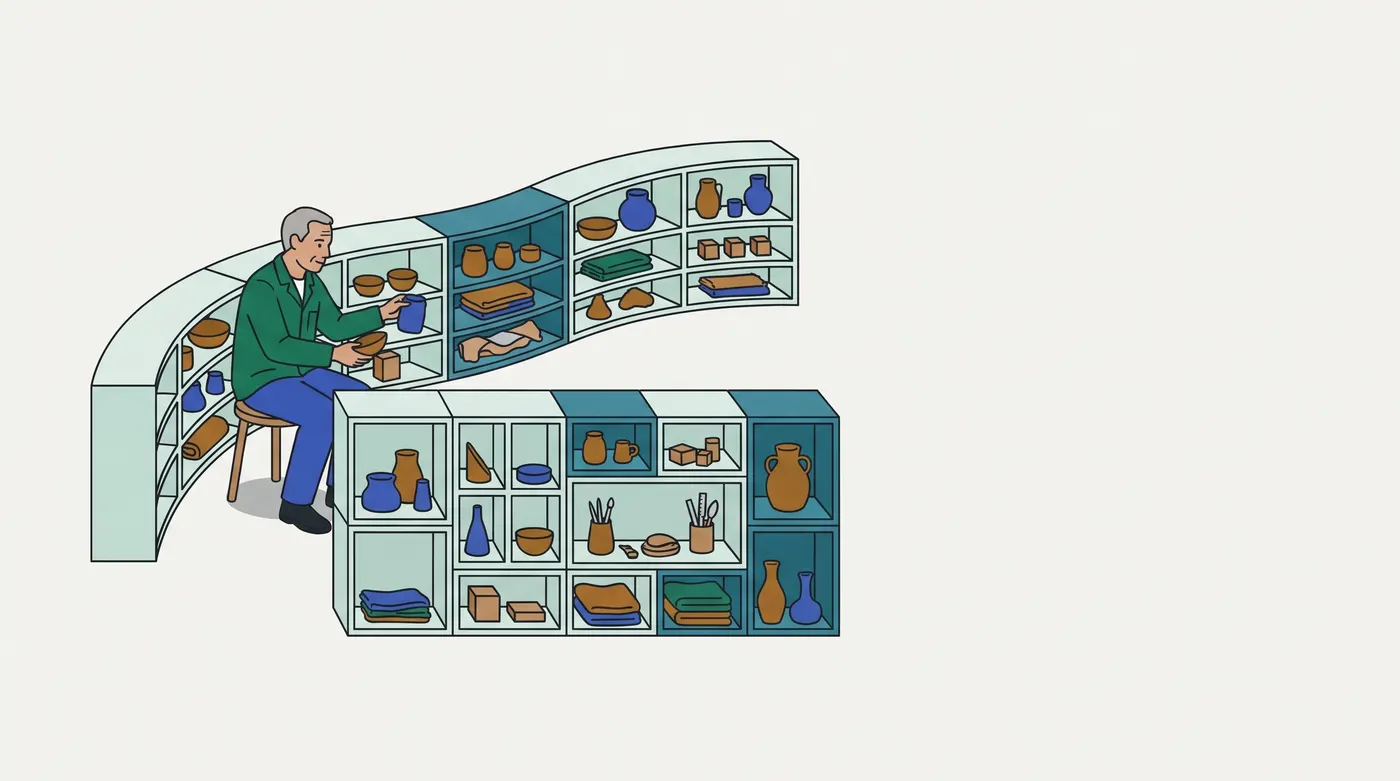
Analogy: A storeroom's modular cubby shelving
The selected image shows a man on a stool setting a blue jar into a long, curving run of cubbies along the wall. In front stands a lower cube cabinet ruled into a grid, where some compartments span two cells.
| In the storeroom | In CSS layout |
|---|---|
| each cubby along the wall run has its own starting width, and only the run's spare length is shared out | flex-basis, then flex-grow sharing the free space (steps 2–3) |
| a cubby holding a wide object cannot be squeezed narrower than that object | the automatic minimum size (step 5) |
| the cabinet's side panels and dividers are measured off before the compartments share what remains | fixed tracks and gaps, then fr (step 6) |
| goods go into the next free compartment in order; a two-cell box that does not fit leaves a gap | auto-placement and holes (step 8) |
| a cabinet built to fit its alcove, not to the size of the room | a container query, not a media query (steps 9–10) |
In real terms: both layout systems size from rules declared on the container, but flex starts from each item's basis while grid starts from the track list.
Breaks down when: the storeroom has no depth order. Stacking contexts (steps 11–12) have no shelf equivalent, and shelving has no rule weighting a shrink by each cubby's width (step 4).
Contrasting case: one row of buttons that only needs spacing. No track system is needed; flex with gap places them.
Examples, run for real
4.1 EXH-2000: one card, a wide pane and a narrow drawer
The question card sits in a 760 px pane on the candidate's desktop and in a 320 px drawer in the proctor's split view, on a 1440 px screen. Its two-column layout keyed on a viewport media query, so the drawer copy also went wide and overflowed. MR !2300 makes each slot a query container and keys the layout on the slot's width.
/* before */ @media (min-width: 1024px) { .card { grid-template-columns: minmax(240px, 1fr) minmax(240px, 1fr); } }
/* after  */ .slot { container-type: inline-size; }
             @container (min-width: 560px) { .card { grid-template-columns: minmax(240px, 1fr) minmax(240px, 1fr); } }
viewport media query (before MR !2300) | 760 px slot: 2 col | 320 px slot: 2 col, overflows
container query (MR !2300) | 760 px slot: 2 col | 320 px slot: 1 colA media query reads the screen, which is the same for both copies. The container query reads each slot, so one rule serves both places (step 9).
4.2 Flex basis decides what is shared
Three filter tabs, "All", "In stock" and "Ships tomorrow", share a 600 px bar with equal flex-grow. Only the basis changes.
tabs flex: 1    | widths 200 / 200 / 200
tabs flex: auto | widths 153 / 197 / 250
flex: 1 sets the basis to 0, so all 600 px are spare and split equally. flex: auto starts each tab at its content width, and only the remainder is shared, so longer labels stay wider (steps 2–3).
4.3 Grid sizes tracks, then places items
A checkout summary grid uses grid-template-columns: 200px 1fr 1fr in 800 px with no gap, and holds four unpositioned items.
grid 200px 1fr 1fr in 800 px | widths 200 / 300 / 300 | item 4 at column 1, row 2The fixed track takes 200 px, and the two fr tracks split the remaining 600 px (step 6). The fourth item finds no free cell in row 1, so auto-placement starts row 2 (step 8).
Picture it
Try it
Answer first, then check. Nothing is saved.
Question 1 of 6
In this checkout order row, a long product code pushes the price past the row's right edge.
.row   { display: flex; width: 320px; }
.name  { flex: 1; }
.code  { white-space: nowrap; }
.price { flex: 0 0 80px; }
<div class="row"><div class="name"><span class="code">SKU-TRAIL-RUNNER-GTX-WIDE-EU44</span></div><div class="price">€89.00</div></div>Which change keeps the price inside the row, on the same line as the name?
Question 2 of 6
A checkout review grid lays out an icon, the item details and the delivery options.
.grid { display: grid; width: 720px; grid-template-columns: 120px 1fr 2fr; gap: 30px; }<div class="grid"><div></div><div></div><div></div></div>What width does Chromium render for the third column?
Question 3 of 6
The order card sits in a 300 px summary column inside a page section, and the same markup appears twice, in an 800 px section and a 400 px one. The card should show two columns in the 800 px copy and one column in the 400 px copy. Today it shows one column in both.
.summary { container: slot / inline-size; width: 300px; }
.section { container: wrap / inline-size; }
.card    { display: grid; grid-template-columns: 1fr; }
@container (min-width: 500px) { .card { grid-template-columns: 1fr 1fr; } }
<div class="section" style="width:800px"><div class="summary"><div class="card"><p>Items</p><p>Total</p></div></div></div>
<div class="section" style="width:400px"><div class="summary"><div class="card"><p>Items</p><p>Total</p></div></div></div>Which change meets that?
Question 4 of 6
A checkout's delivery-slot menu opens upward from the content area, but where it meets the header, the header covers it.
.header  { position: relative; z-index: 10; height: 60px; background: #eee; }
.content { position: relative; z-index: 1; }
.menu    { position: absolute; top: -40px; left: 0; width: 200px; height: 120px; z-index: 9999; background: #cfc; }
<div class="header">Header</div><div class="content"><div class="menu">Delivery slots</div></div>Which change puts the menu on top there, without moving the menu?
Question 5 of 6
A checkout lists its payment methods as tiles in a 900 px container. Each tile must be at least 160 px wide, and tiles in later rows must line up with the columns above. This week one market has only two methods, and those two tiles should share the full row.
.methods { width: 900px; gap: 10px; }<div class="methods"><div class="tile">Card</div><div class="tile">Wallet</div></div><div class="methods"><div class="tile">Card</div><div class="tile">Wallet</div><div class="tile">Bank</div><div class="tile">Gift</div><div class="tile">Later</div><div class="tile">Cash</div><div class="tile">Voucher</div></div>Which declarations meet all of that?
Question 6 of 6
A checkout's add-on grid lists five add-ons in order, and gift wrap is two columns wide.
.extras { display: grid; grid-template-columns: repeat(3, 100px); grid-auto-flow: dense; }
.wide   { grid-column: span 2; }
<div class="extras"><div>Insurance</div><div>Express</div><div class="wide">Gift wrap</div><div>Card</div><div>Bag</div></div>In which cells does Chromium place Card and Bag?
Go deeper
Pro tips
- Read the measured boxes before changing numbers. Chromium's Elements panel marks flex and grid containers with a badge that toggles an overlay of tracks, gaps and item boxes. Compare that overlay with the sizes you expected before editing a basis, a track or a breakpoint. (Not executed here; DevTools UI.)
- Size type to the container, too. Container query units such as
cqi(1% of the query container's inline size) let a heading scale with its slot instead of the screen. Verify:font-size: 10cqiinside a 320 px inline-size container computed to32px.
Source
- W3C, CSS Flexible Box Layout Module Level 1: https://www.w3.org/TR/css-flexbox-1/ · read 2026-10-01 ·
sources/css-flexbox-1.txt(SHA-256b0e3b097bc6db0688d4712968c290cda280f8f750eb998bc358c28df490ff3f5). "A flex container distributes free space to its items (proportional to their flex grow factor) to fill the container, or shrinks them (proportional to their flex shrink factor) to prevent overflow." Its automatic-minimum rule supports step 5. Steps 1–5. As of 2026-10-01. - MDN, Controlling ratios of flex items along the main axis: https://developer.mozilla.org/en-US/docs/Web/CSS/CSS_flexible_box_layout/Controlling_ratios_of_flex_items_along_the_main_axis · read 2026-10-01 ·
sources/mdn-flex-ratios.txt(SHA-2565e62e24a3d807d90b7cabac4c19f2d0ac54f6271cc80a8f56031534a552f838a). "flex-basis: What is the size of the item before growing and shrinking happens?" Steps 2–4. As of 2026-10-01. - W3C, CSS Grid Layout Module Level 2: https://www.w3.org/TR/css-grid-2/ · read 2026-10-01 ·
sources/css-grid-2.txt(SHA-25605aa64853c4428146973943b35caf121e44c1076bdf5b8c29f8896dba9b778e2). The fr unit "represents a fraction of the leftover space in the grid container";dense"attempts to fill in holes earlier in the grid if smaller items come up later". Steps 6 and 8. As of 2026-10-01. - MDN, CSS grid layout: https://developer.mozilla.org/en-US/docs/Web/CSS/CSS_grid_layout · read 2026-10-01 ·
sources/mdn-grid-layout.txt(SHA-25693ec0ba75628beac79b21696ca5bd69b120deed1157bf820ba89d0101dd33ebc); Auto-placement in grid layout: https://developer.mozilla.org/en-US/docs/Web/CSS/CSS_grid_layout/Auto-placement_in_grid_layout ·sources/mdn-grid-auto-placement.txt(SHA-256fc1911e25c543912973bc9657ac037ba8c26e52fdd3bcc4118a7bd15f2798a26);repeat(): https://developer.mozilla.org/en-US/docs/Web/CSS/repeat ·sources/mdn-repeat.txt(SHA-2569f2ad2864e8fc795f86c9da24f12f9ed2e64e6cb3888dd834ae3b6599e161a07): "The auto-fit value behaves the same as auto-fill, except that after placing the grid items any empty repeated tracks are collapsed." Steps 6–8. As of 2026-10-01. - W3C, CSS Conditional Rules / Containment Level 3: https://www.w3.org/TR/css-contain-3/ · read 2026-10-01 ·
sources/css-contain-3.txt(SHA-2567e6b410172bfecf8b5fcccca2c5d6862ea87b81f20c34cd508934199f5373ec7). "The query container for each axis is the nearest ancestor container that accepts container size queries on that axis." Steps 9–10. As of 2026-10-01. - MDN, CSS container queries: https://developer.mozilla.org/en-US/docs/Web/CSS/CSS_containment/Container_queries · read 2026-10-01 ·
sources/mdn-container-queries.txt(SHA-256e0227dfdc592c32ca049a63a6cd088321ca669fa0536e9c0617053a621f5c62b). "you need to declare a containment context on an element so that the browser knows you might want to query the dimensions of this container later." Steps 9–10 and pro tip 2. As of 2026-10-01. - MDN, Stacking context: https://developer.mozilla.org/en-US/docs/Web/CSS/CSS_positioned_layout/Understanding_z-index/Stacking_context · read 2026-10-01 ·
sources/mdn-stacking-context.txt(SHA-256c632fb4acf37406e11097640d571d2648cd04eafadddeb365b1fde3c3060b0bc). "Importantly, the z-index values of its child stacking contexts only have meaning within its parent's stacking context." Steps 11–12. As of 2026-10-01. - Each source file starts with its URL, the date read, the HTTP status,
Via: direct (curl, no reader proxy)and the SHA-256 of the saved body.
Related lessons
Checked against the tools and docs as of 2026-10-01.